

 README

README

commits


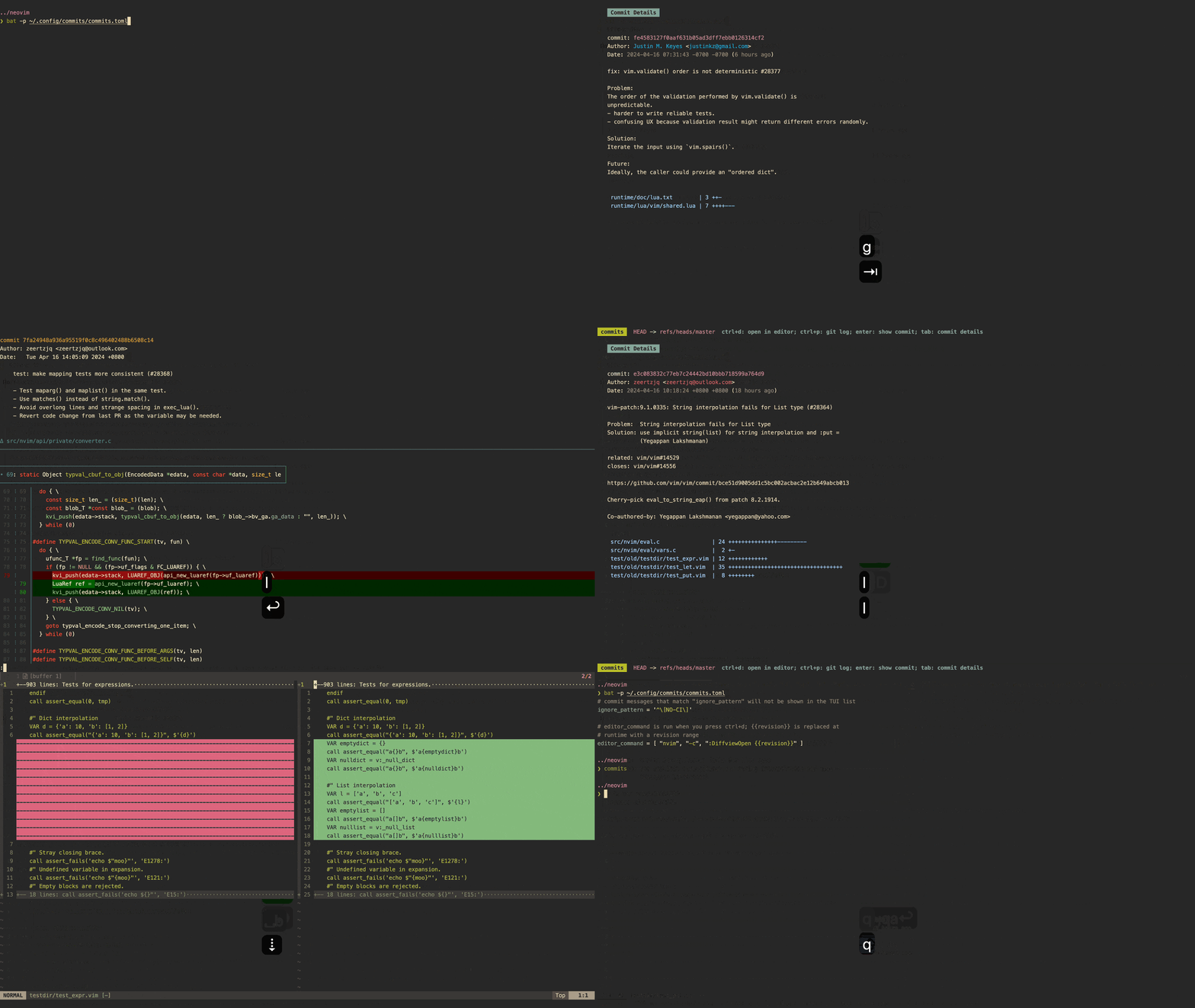
commits lets you glance at git commits through a simple TUI.
🛠️ Pre-requisites
git(only if you want to usecommitsto see diffs)
💾 Installation
go:
go install github.com/dhth/commits@latest
⚡️ Usage
commits can receive its configuration via command line flags, and/or a TOML
config file. The default location for this config file is OS-specific:
$XDG_CONFIG_HOME/commits/commits.toml on Linux, ~/Library/Application Support/commits/commits.toml on macOS.
# commit messages that match "ignore_pattern" will not be shown in the TUI list
ignore_pattern = '^\[regex\]'

# show_commit_command is run when you press enter/space on a single commit;
# {{hash}} is replaced at runtime with the commit hash
# (defaults to "git show {{hash}}" if not set)
show_commit_command = [ "git", "show", "{{hash}}" ]

# show_range_command is run when you press enter/space on a revision range;
# {{base}} and {{head}} are replaced at runtime
# (defaults to "git diff {{base}}..{{head}}" if not set)
show_range_command = [ "git", "diff", "{{base}}..{{head}}" ]

# open_commit_command is run when you press ctrl+e on a single commit;
# {{hash}} is replaced at runtime with the commit hash
open_commit_command = [ "nvim", "-c", ":DiffviewOpen {{hash}}~1..{{hash}}" ]

# open_range_command is run when you press ctrl+e on a revision range;
# {{base}} and {{head}} are replaced at runtime
open_range_command = [ "nvim", "-c", ":DiffviewOpen {{base}}..{{head}}" ]
commits -ignore-pattern='^\[regex\]'
commits -config-file-path='/path/to/config/file.toml'
Reference Manual
commits has 4 views:
- Commit List View
- Commit Details View
- Branch List View
- Help View
Keyboard Shortcuts
General
| Keymap | Action |
|---|---|
<tab> |
Switch focus between Commit List View and Commit Details View |
<ctrl+e> |
Open commit/revision range |
<ctrl+x> |
Clear revision range selection |
<ctrl+b> |
Change branch |
? |
Show help view |
Commit List View
| Keymap | Action |
|---|---|
<enter>/<space> |
Show commit/revision range |
<ctrl+t> |
Choose revision range start/end |
<ctrl+p> |
Show git log |
Commit Details View
| Keymap | Action |
|---|---|
<enter>/<space> |
Show commit/revision range |
h/[ |
Go to previous commit |
l/] |
Go to next commit |
Branch List View
| Keymap | Action |
|---|---|
<enter> |
Pick branch |
/ |
Start filtering |
Screenshots
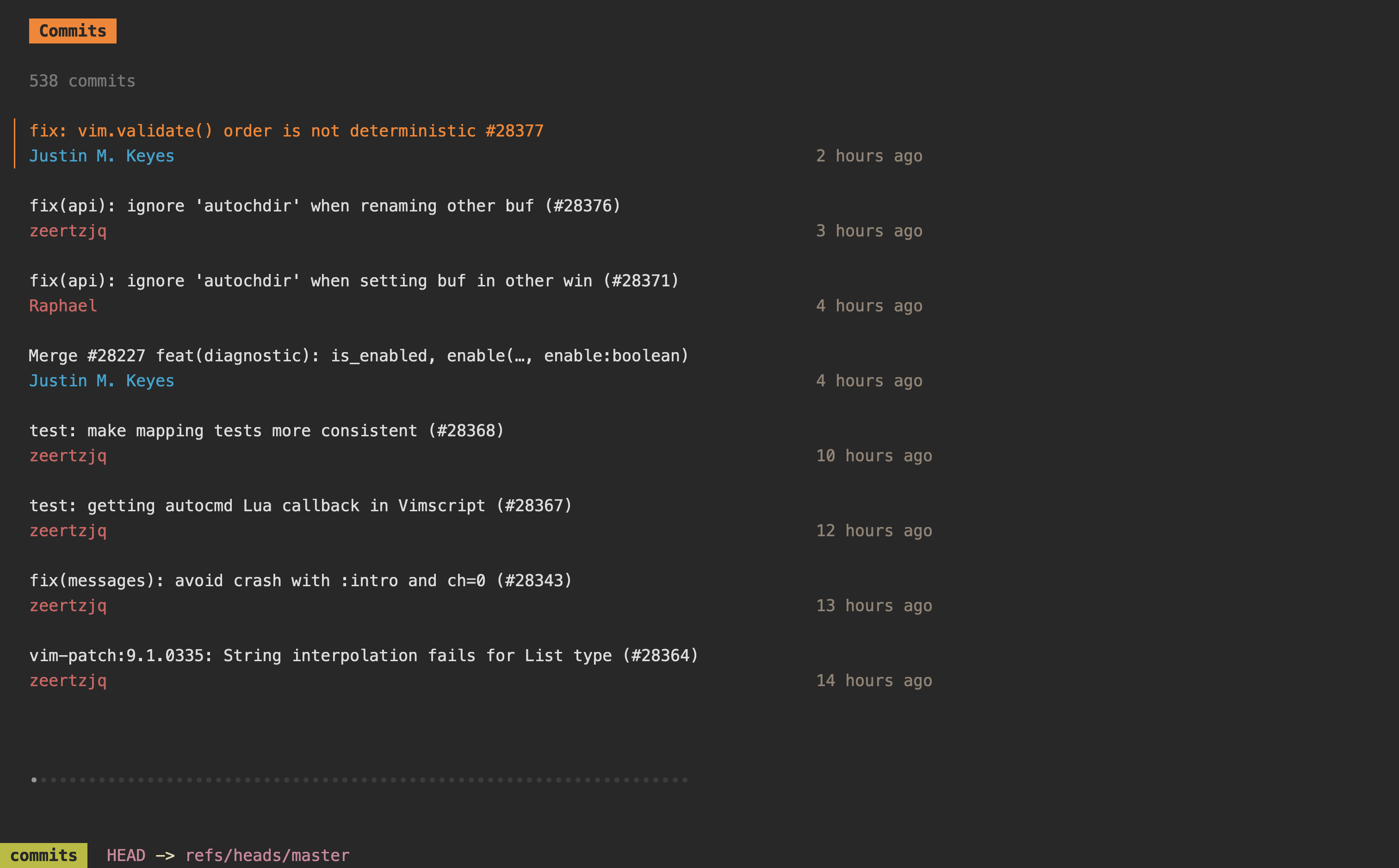
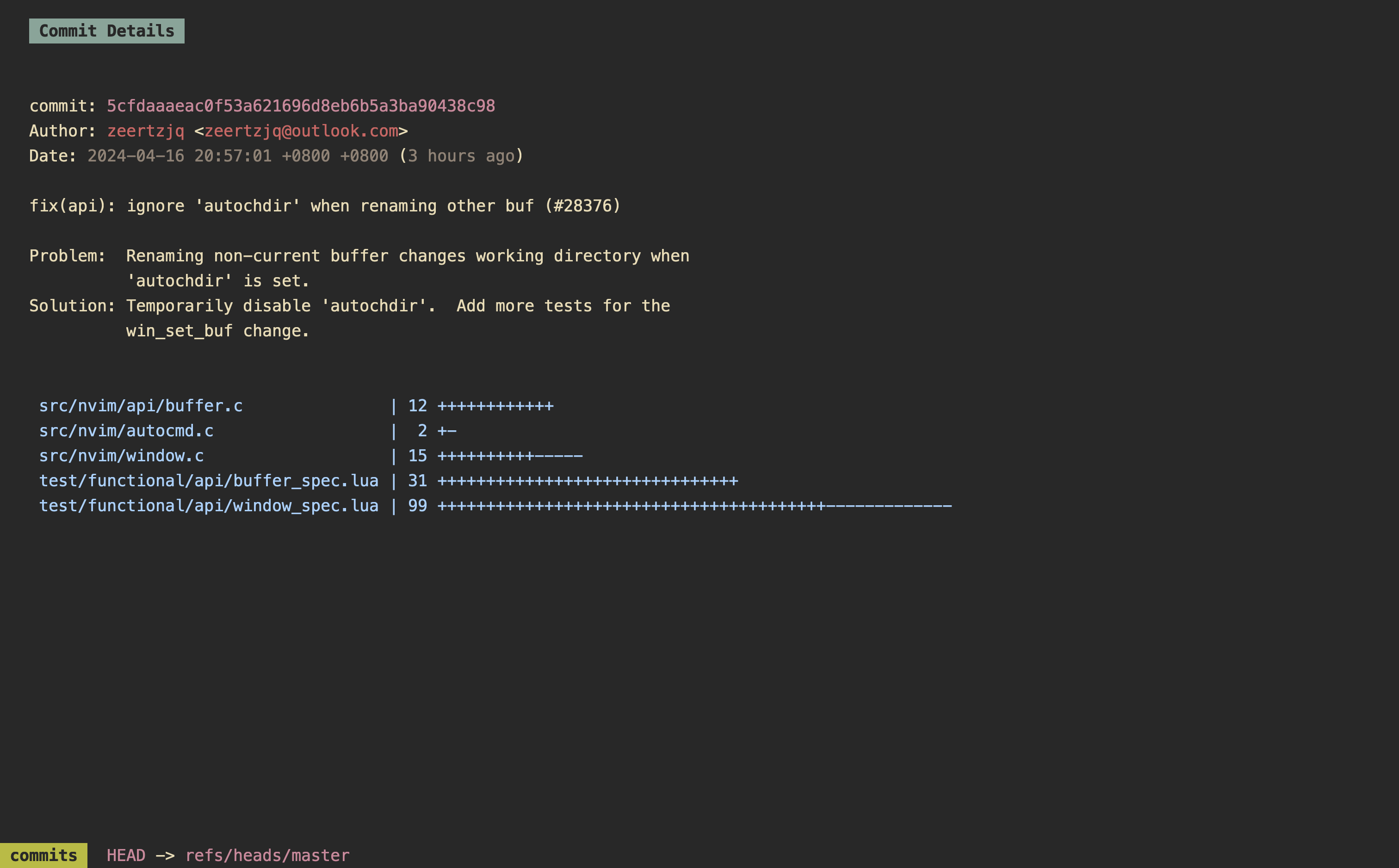
 Documentation

Documentation


There is no documentation for this package.
 Source Files
 Directories
Click to show internal directories.
Click to hide internal directories.